With time, we humans evolved—our surroundings evolved, and so did our lifestyles. But these aren’t the only things that changed with time.
The process of evolution continued in our minds in the form of art. Art transformed from simple cave paintings to the Renaissance and into the art we have today.
It progressed with us through different eras, and now, in a world where digitalization and AI are everywhere – Art has taken the form of AI and Digital Art. And it is in this Digital Art 101 guide that we will explore all about it, including how to make digital art.
TABLE OF CONTENTS
| 1. | What is Digital Art? |
| 2. | Traditional Art and Digital Art |
| 3. | Digital Art Types |
| 4. | Best Digital Art Software |
| 5. | How to Make Digital Art? |
| 6. | Digital Art Trends 2026 |
What is digital art?
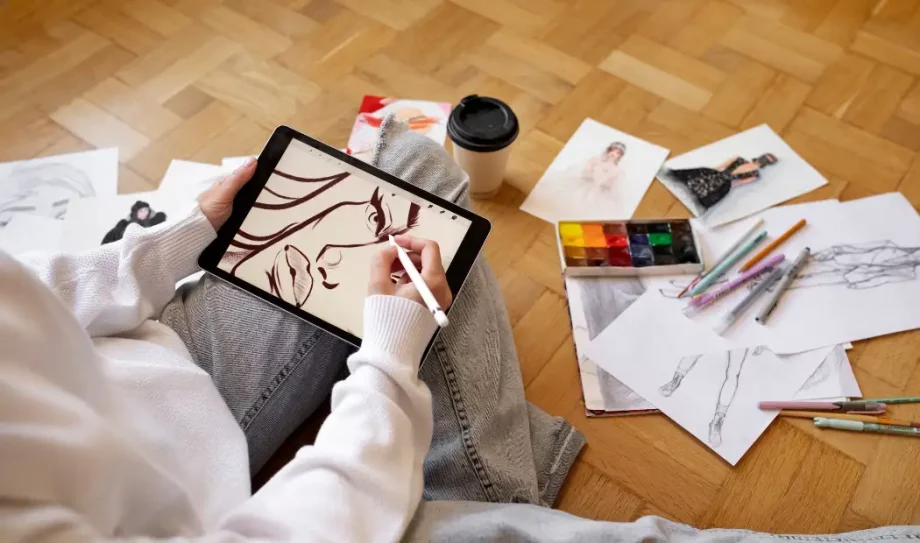
Digital Art is an artwork that is bereft of any traditional tools and fits an entire studio in a single device. This art covers any art that is created, modified or presented using digital technology.
In this art form, tools like styluses, tablets, computer painting software and various texture tools are used by the artists. But even with the modern tools, the essence of digital art and traditional art remains the same, that is, creativity and expression.
Journey – From Cave walls to TabletsLong, long ago, in a dark cave where people lived and the first society prevailed. Hands holding sharp stones carved the walls in different shapes. It was with these etched marks that art came into existence and the walls changed. Soon, walls were changed and art was given a new form – Statues. Then came the era where brushes met canvas and people became more expressive, more human. But the story didn’t end there, art stepped off the walls and began to move in the form of performing art. Now, they didn’t just look at it but experienced it. Art was alive, breathing with its audience. While people thought it was all over, a box came and people wondered whether art will never come out of the box, will it be an end to it. But that box captured light – the camera helped art travel everywhere. Years later, art slipped into a machine, a new place where brushes never dried and colors never ended. Now, art was not limited by tools but only by imagination. And today, people sit with a tablet in hand. They draw with her fingertips just as ancient hands painted with earth. The story continues… |
Is digital art real art?
Yes, digital art is real art.
Art tools have been changing with time from stones to canvas and camera to screens. But the expression behind art and the creativity of artists have not changed.
Traditional Art VS Digital Art
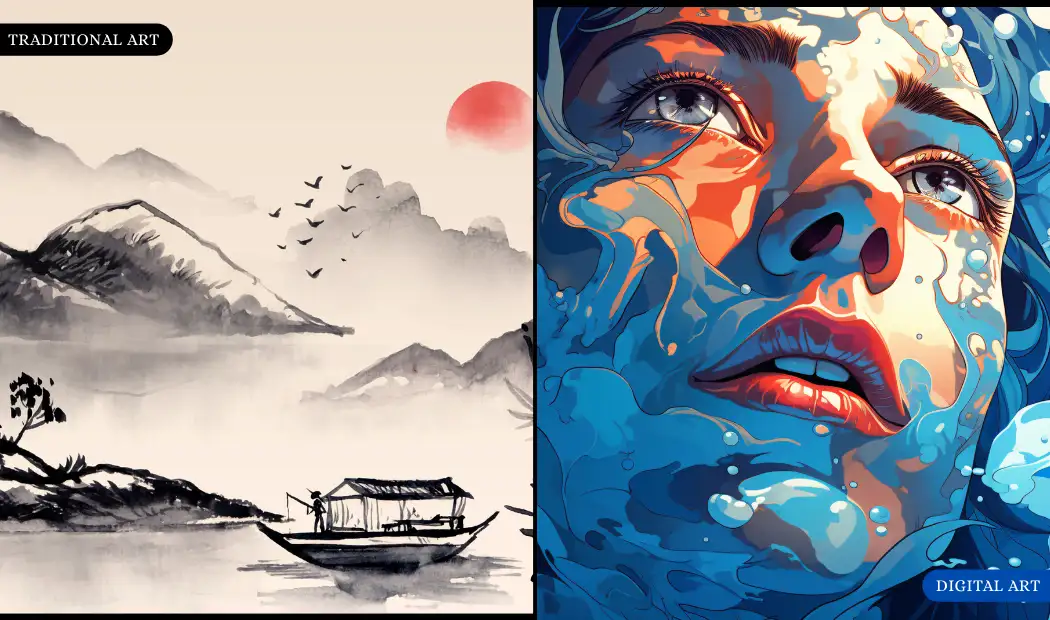
| Traditional Art | Digital Art | |
| Medium | This art is created on materials like canvas, paper, wood, clay, stone, or fabric | In digital art, art is created on screens, pixels and 3D spaces. |
| Tools | Tools such as brushes, pencils, inks, charcoal, markers are used. | Digital tools like stylus, drawing tablets, digital brushes and software are used to create visuals. |
| Errors | Mistakes can be difficult or impossible to fix. | Errors are easily fixed using undo, eraser, layers and editing tools. |
| Cost | Paints, brushes, and canvases must be repeatedly purchased that affects the price. | Cost high prices in the beginning, but once the software and devices are purchased, they can be reused multiple times. |
| Storage | Traditional art takes physical space and must be protected from moisture, sunlight and physical damage. | Stored digitally in devices or cloud storage. There is no risk of physical wear, but it does require backup. |
| Time | Every step takes time, from mixing paints to drying layers. | It can be faster due to copy-paste functions, presets, symmetry tools, and shortcuts. |
Digital Art Types
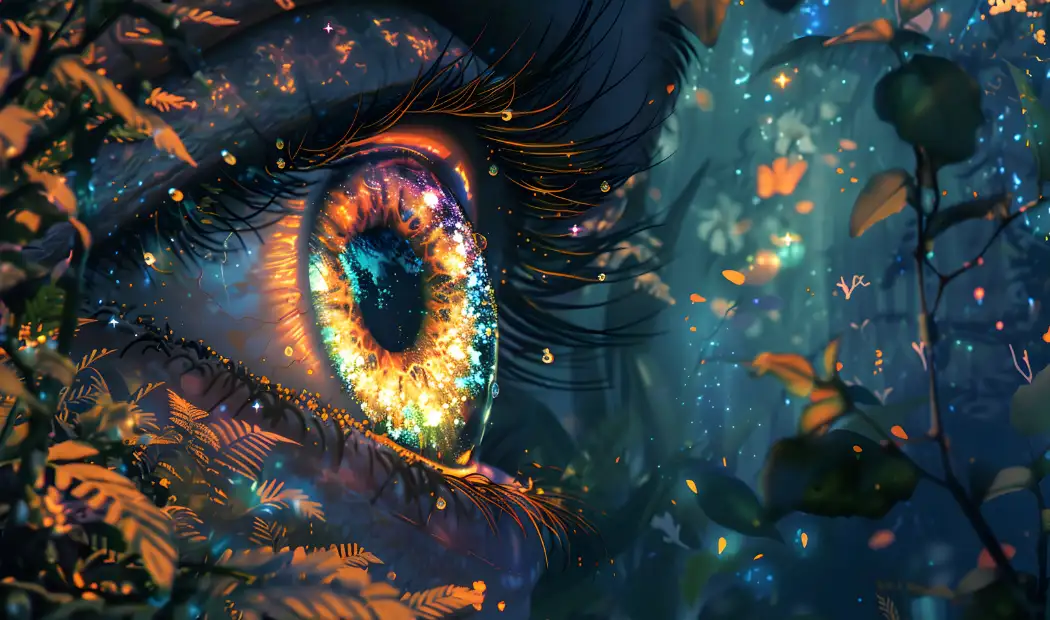
The world of digital art is not limited to a single medium. It has a unique discipline that opens a different world with endless possibilities for artists. To understand more about it, let’s explore its types with our introduction to 2D digital art, 3D art, CGI and other digital art styles.
1. Digital Painting
Digital painting replicates traditional painting and strokes to create the painting. Artists use digital tablets, styluses, and painting software to sketch, paint and blend. This art style includes many different sub genres such as cartoon, comic, anime, realistic, concept art and abstract digital art.
Like traditional painting, digital painting allows the use of sketching and other techniques.
2. Vector Art
In vector art, artwork is created using mathematical shapes like points, lines, curves and polygons instead of pixels. This art is made in softwares like CorelDRAW, Affinity, Inkscape, and Adobe. Instead of storing color for each pixel, it stores coordinates, paths, curves, shapes and gradients.
Vector art can be used in many design fields:
- Branding
- Web & app design
- Printing & Merchandise
- Advertising
- Animation & motion graphics
3. 3D Art
3D digital art is the realistic art which is widely used in movies, games, architecture, animation and virtual worlds. Such artworks are created inside a virtual 3D space where objects have height, weight and depth.
3D modeling, sculpting, texturing, lighting, simulation, 3D animation and scanning are all types of 3D art.
4. Pixel Art
Art that’s created pixel by pixel, where each tiny square is placed to form an image. This art is used in video games, NFTs, animation, social media, UI design etc.
Tools like Aseprite, Pixel Studio, Piskel, Procreate, Krita and Photoshop are used to create this type of art. This form of art has a blocky appearance, minimal strokes and a limited palette.
5. Photo Manipulation
Photo manipulation is a type that falls under the umbrella of digital art as well. In this, tools like Photoshop, GIMP, Corel and Procreate are used to alter and combine photographs.
As real photos are used, some people think it is not art. But when it comes to reshaping and remodeling the photographs, the creativity of the artists makes it more than a photo, they transform it into an artistic creation.
6. Motion Graphics
Motion graphics combines both graphic design and movement to create visual communication. It focuses on moving shapes, text, symbols, digital illustrations and UI elements. It uses animation techniques to bring static designs to life. This art can be seen in youtube, branding and advertising.
7. AI Art
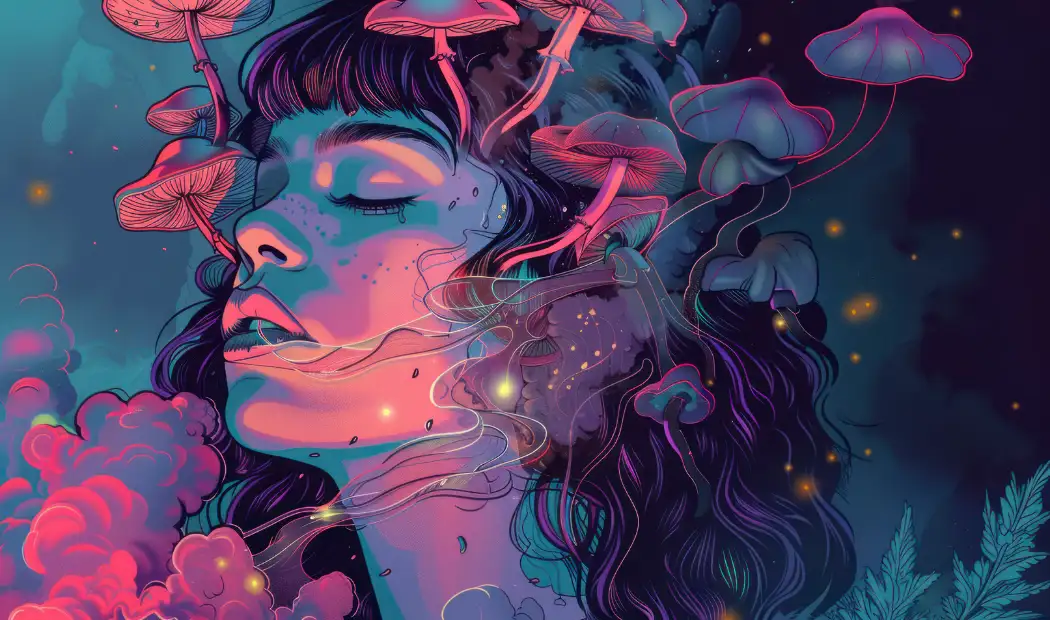
AI art is an artwork created with the help of Artificial Intelligence that can generate, modify, or enhance images based on instructions. So, instead of drawing or painting, artists describe what they want to create in text, and AI provides the art. As AI continues to reshape the art world, innovations like AI photo-to-paint by numbers and advanced digital tools are making art more accessible.
Best Digital Art Software
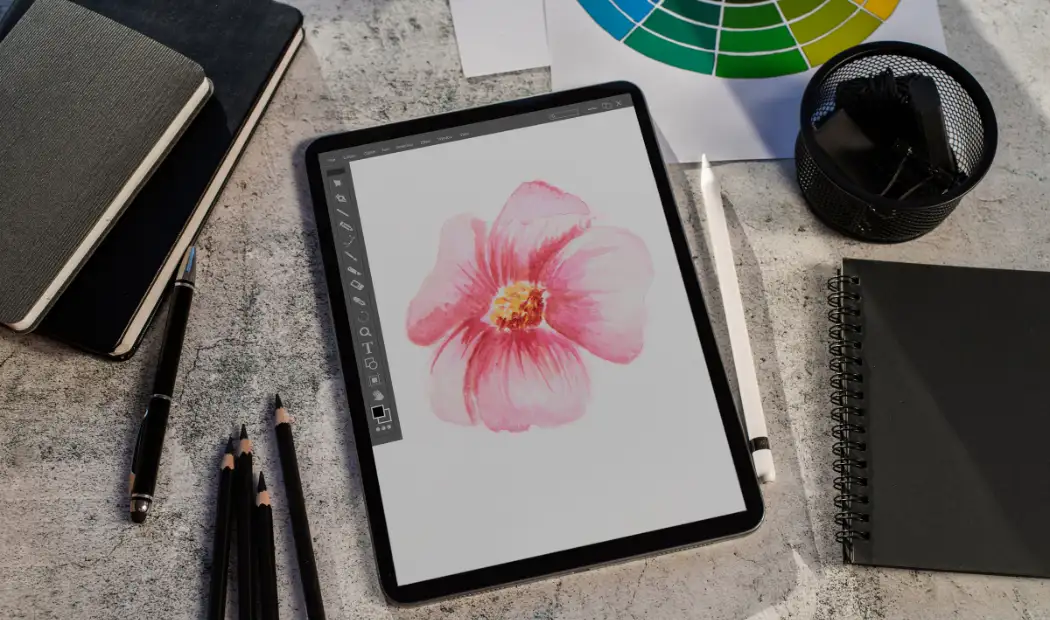
Adobe Photoshop
Photoshop, the leading digital imaging software. Developed for photo editing, it has evolved into software that is perfect for painting, UI/UX design compositing, 3D texturing and graphic design. Professionals like concept artists, illustrators, matte painters, game designers and photographers – all can use photoshop.
Krita
Another professional, open-source digital art application designed for painters and content artists. Krita offers advanced brush engines (over 100 professionally designed brushes), HDR painting support, PSD file compatibility and frame-by-frame animation.
Clip Studio Paint
Clip Studio Paint is laser-focused on clean linework, storytelling layouts, and expressive illustration tools, which makes it perfect for drawing. It is used for comic creation, character design, webtoons and storytelling art. Clip Studio Paint background drawing and structure are much easier, as it sets click perspective and allows symmetrical drawings.
GIMP
GIMP, the strongest alternative to Adobe Photoshop. It is known for photo manipulation, graphic creation, digital illustration and digital painting. It requires no subscription and has no locked features. It is not brush-focused like Krita and requires a plugin for print workflow.
Procreate
A digital painting software designed especially for iPads. It is responsive software that emphasizes the canvas to provide artists a digital area to sketch with minimal distractions. This software is ideal for beginner artists, hobbyists, content creators and freelancers. While it is great for beginners, it has no multi-page support, no vector support and limited color profiles.
Affinity Designer
Best for graphic art, affinity designer offers precision vector tools, a non-subscription model and a persona for texture work. IT is ideal for creating logos, flat illustrations and UI artwork.
Corel Painter
The software doesn’t imitate art but it recreates the act of painting. WIth Corel Painter, artists can create gallery-worthy digital paintings. It is famous for advanced brushes, natural simulation, canvas texture and the AI assisted tools.
Rebelle
Rebelle, a software loved by artists, illustrators and experimental painters for the realistic simulation of traditional wet media. The rebelle is accurate for wet media realism, surface texture, mixed media tools and layers.
ArtRage
The software is created to replicate the experience of traditional painting and drawing. It focuses on precision and prioritizes natural behavior, making digital brushstrokes look real. ARTrage’s strength is its real-looking art, canvas texture, layers and custom brushes. Though it has weak typography options, limited export controls, no vector tools and fewer plugins.
Sketchbook
A lightweight digital drawing and sketching software developed by Autodesk but relaunched as Sketchbook, Inc.. It has become a favorite tool among illustrators, designers, animators and hobbyists.
| Software | Free Trial | Subscription Required | Platform |
|---|---|---|---|
| Adobe Photoshop | Yes (7 days) | Yes | Windows, macOS |
| Clip Studio Paint | 30 days | Optional (monthly or one-time) | Windows, macOS, iPad, Android |
| Procreate | No | No | iPad |
| Krita | Free | No | Windows, macOS, Linux |
| GIMP | Free | No | Windows, macOS, Linux |
| Corel Painter | Yes (15 days) | Yes (subscription or full license) | Windows, macOS |
| Rebelle | Yes (Rebelle Personal) | No | Windows, macOS |
| ArtRage | Yes (Demo version) | No | Windows, macOS |
| Sketchbook | Yes | No | Windows, macOS, iOS, Android |
| Affinity Designer | Yes (30 days) | No | Windows, macOS, iPad |
How to make digital art ?
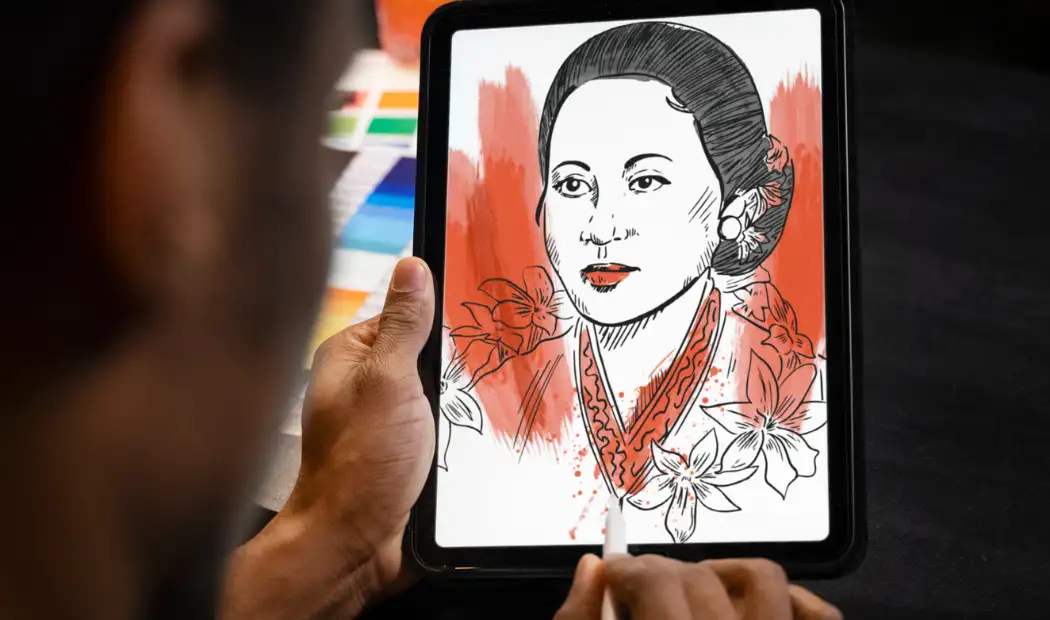
Digital artwork has given artists the freedom to draw, paint, and design using technology instead of traditional tools. But digital arts are not something reserved only for artists anyone can create art by learning the basic and with appropriate tools.
1. Understand Digital Art
In order to create digital art, it’s important to understand digital art and its types. Explore the various styles and choose the one that inspires you. To select the digital art style, find the art that attracts you, try small experiments, and study artists you admire.
2. Choose the Tools
To create digital art, you need a device and a software program.
- Device: Tablet with stylus or a modern laptop
- Software Program: Procreate (iPad), Krita (free), ibisPaint, Photoshop, Clip Studio Paint, Adobe Illustrator, Affinity Designer
3. Learn the Basics
Start by learning your digital workspace and choose a canvas size. Select the resolution (measured in DPI/PPi). Remember, the higher is the resolution, the sharper artwork it will produce. Learn about layers and the different brushes used to create digital artwork.
4. Create your First Artwork
Step 1: Begin a rough sketch, use a light pencil brush and draw basic shapes to create the subject.
Step 2: Create a new layer, lower the opacity of the sketch, and trace the lines using a smoother brush.
Step 3: Add another layer beneath the line art, and fill in colors using either the fill tool or a brush.
Step 4: Add a new layer above colors to add shadows and highlights. Set the layer to multiply for shadows and add overlay for light.
Step 5: Add final details such as texture lines, hair strands, light reflection in eyes, and background shapes.
By following the steps, you can easily create your very first digital artwork. Remember, learning to make digital art is a journey that requires patience and practice, both.
Digital Art Trends 2026
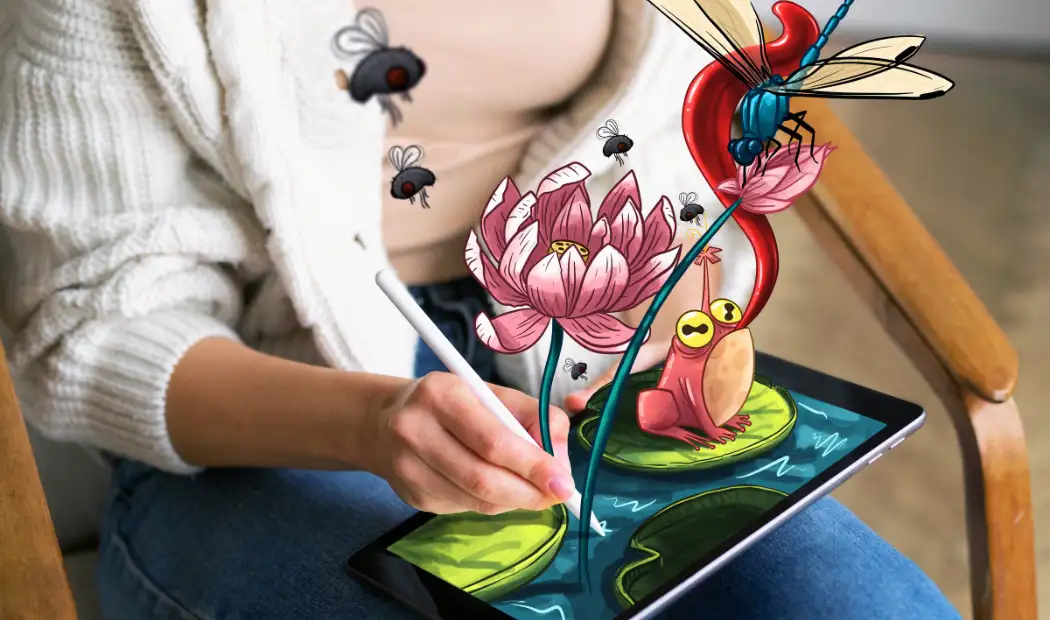
Here are the major digital art trends expected to shape 2026:
- Imperfect Aesthetics
- AI in Digital Art
- Game Engines are Back
- 2D and 3D Convergence
- Multi-sensory Art
Imperfect Aesthetics
2026 is not about perfection but about celebrating imperfection as a design feature. This trend allows artists to include irregularities, marks, rough textures, and asymmetry. With this, one can embrace the unpolished messy and tactile look.
AI in Digital Art
The latest change in digital art is the intervention of AI in different stages. In digital art with AI, AI works as a creative collaborator that speeds up tasks, expands ideas, and adds new capabilities.
Game Engines are Back
Game engines used for traditional game development are increasingly adopted by digital artists, illustrators, animators and mixed media artists for art as visuals. These game engines have become a creative tool to create 2D/3D hybrid workflows.
2D and 3D Convergence
Another trend is the integration of 2D and 3D, they are merging into a hybrid creative space where artists create beautiful art.
Multi-sensory Art
Another trend is to engage multiple human senses, as this makes art experiences more memorable and emotionally connected. Artists are implementing it with immersive installations, interactive digital worlds, AR/VR experiences, haptic and AI fusion.
Summing Up!
Digital art – a modern alternative to art that took creativity to the next level and made art easily explorable. This art is not just the future – it is the present, constantly changing itself with every new tool and trend.
Just like the evolving digital art, the world of paint by numbers is also continuously changing with new painting kit collections and innovations.
Check out Art of Paint by Numbers for paint by number kits today and begin your painting journey!
FAQs
Follow the steps to sell digital art:
- Choose what you want to sell – Digital downloads, Prints, NFTs, etc.
- Pick a platform (Etsy, Shopify, Artstation)
- Set the price
- Market your art
You can print digital art online, locally, or at home based on your needs.
- Online Services:
- Printful / Printify – print-on-demand
- Gelato – global delivery
- CanvasPop – premium canvas prints
- Giclée Today – fine art quality
- At Home: Use a good inkjet printer and archival paper—best for small batches.
-
Sale!$19 – $59
Digital art style illustration of river and nature
-
Sale!$19 – $59
Digital art style sea landscape
-
Sale!$19 – $59
Digital art of flower landscape painting